How to run a spelling bee in your classroom
New to it? Watch a whole bee in two and a half minutes, from setup to the winners, or read the step-by-step guide with screenshots.
- Choose your spellers. Type or paste your students' names on your phone, tablet or laptop. With Premium you can load your children instead, and tutors can load a class. Untick anyone who is away today.
- Choose your words. Pick a ready-made list from kindergarten to 12th grade (Reception to Year 6 for UK and Australian classes). With Premium you can also type your own spelling words or use your saved lists. The setup tells you how many rounds your words will last.
- Pick the format. Classic bee is open to everyone; tutors can also run a Team bee. The rules for both are below.
- Put the bee on the big screen. On the smartboard, interactive whiteboard, TV or projector, open spellcrush.fun/board. It shows a short code and a QR code. Type the code on your phone, or scan the QR. No login on the board.
- Run it from your phone. Tap to give the word, and the board reads it out with its meaning and a sentence. The speller can hear it again or slowly. Tap Correct or Incorrect, and the board shows the right spelling to the whole room.
- Print the word sheet as a backup: every word in the order it will be asked, with its meaning and sentence, like a real spelling bee pronouncer's list.
Three ways to set up the screen
| You have | Big screen | You hold |
|---|---|---|
| A smartboard or TV, and your phone | spellcrush.fun/board, no login | Your phone |
| A laptop on the projector, and your phone | Your laptop | Your phone as a remote (scan a QR code once) |
| Just one laptop | Your laptop, with a slim control strip | The keyboard or a presentation clicker |
In one-laptop mode the word is never on your screen. Read it from the printed word sheet, or show the spelling once the child has answered.
Spelling bee rules for the classroom
Classic bee: the traditional elimination rules
- The turn order is drawn at random and shown, so children know when they are up.
- Allow 1 or 2 mistakes.
- Nobody sits down until the round is over. If everyone left in a round misses, everyone stays in.
- The last speller must spell a championship word to win. If they miss it, the others from that round come back.
The first round of a Classic bee with 26 spellers takes 15 to 20 minutes. For a single lesson, pick your finalists.
Team bee (for tutors): nobody is knocked out
- 2 to 4 teams, balanced at random. You can move a child to another team from the roster.
- Teams take turns, and every child on a team gets a go.
- One point for each correct word. A missed word can be stolen by the next team.
- The bee ends after the number of rounds you choose, or when you say so. A tie is settled with one sudden-death word per team.
Kind to every speller
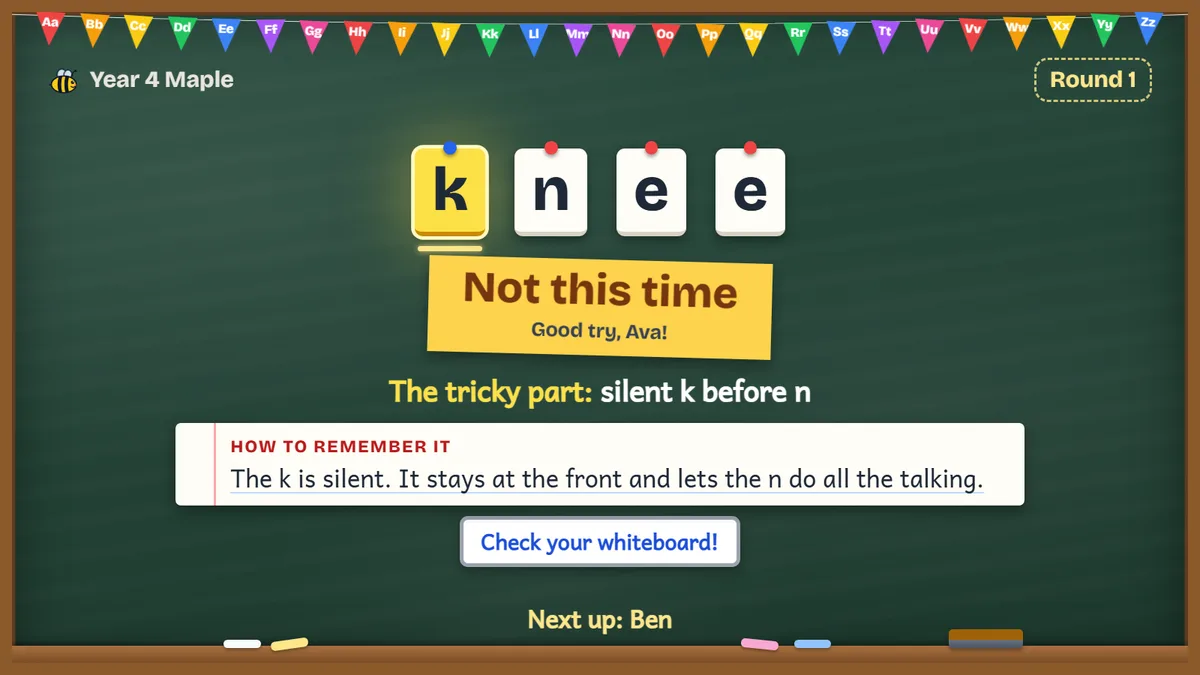
Children who miss sit down at the end of the round and are thanked by name. There are no buzzers and no red screens: a miss gets a soft bell and “Not this time”. In a Team bee nobody is knocked out at all.
Everyone writes along. While one child spells out loud, the rest of the class writes the word on a mini whiteboard and checks it when the answer appears. That's the whole class spelling every word, not one child spelling while the others wait.
What the board shows, and what it never shows
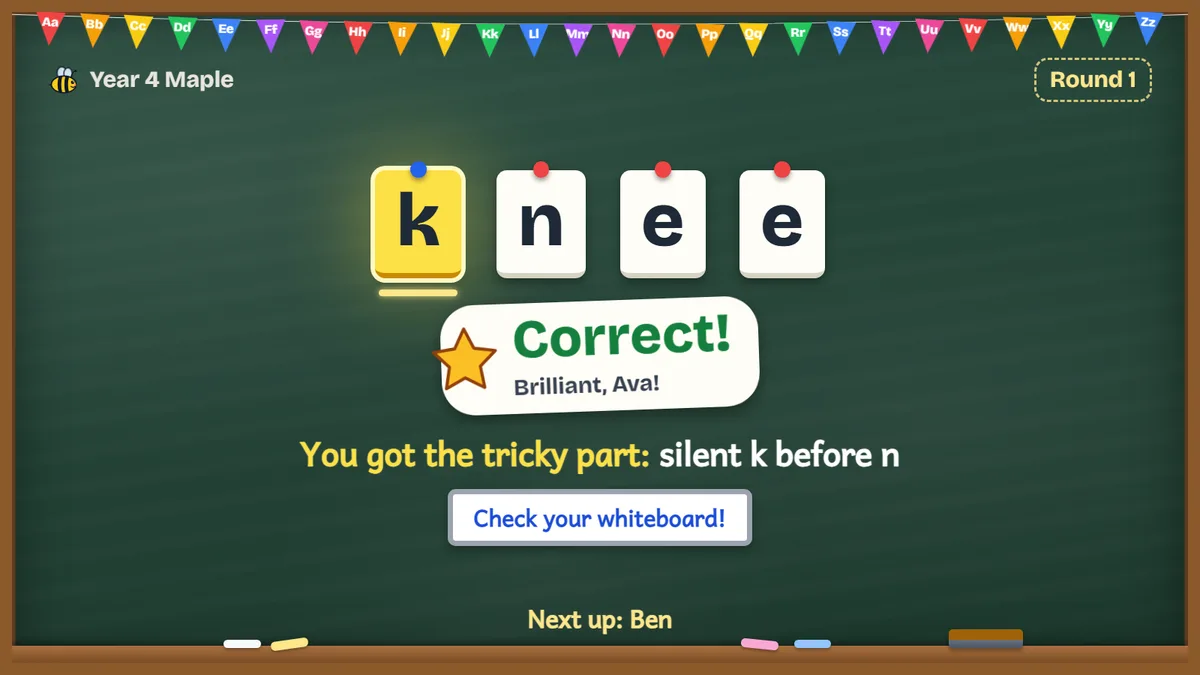
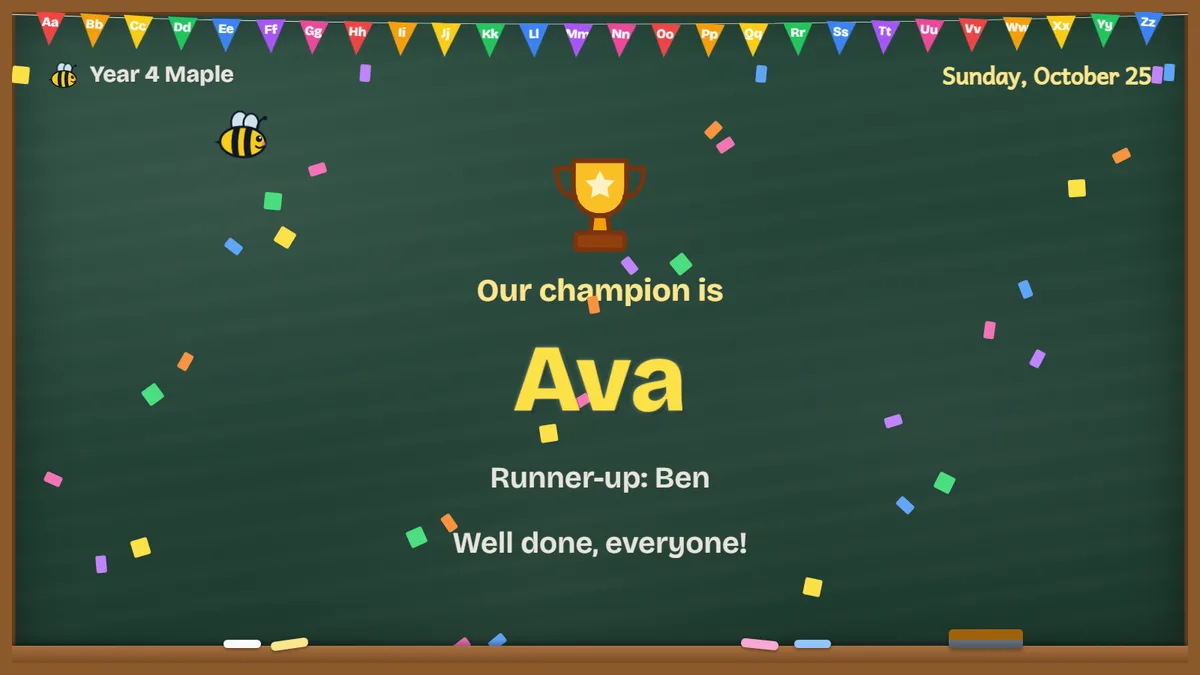
- The speller's name in big letters, and who is on deck.
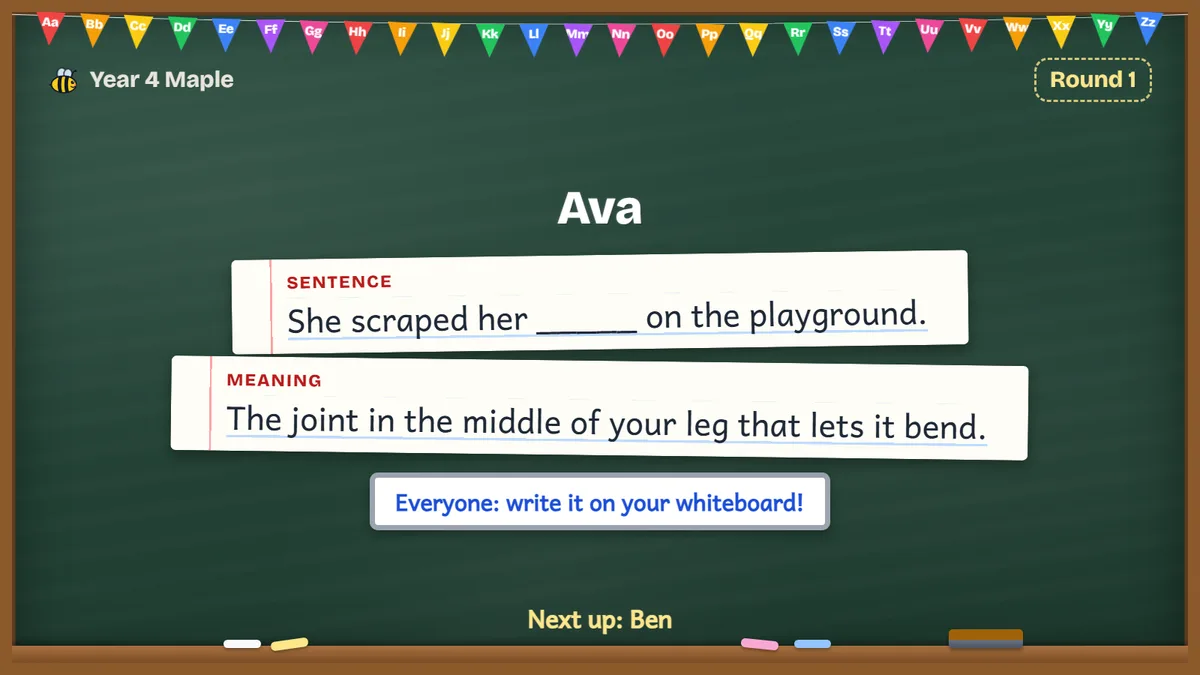
- The sentence, with the word blanked out.
- An optional picture clue and an optional 30 or 60 second timer.
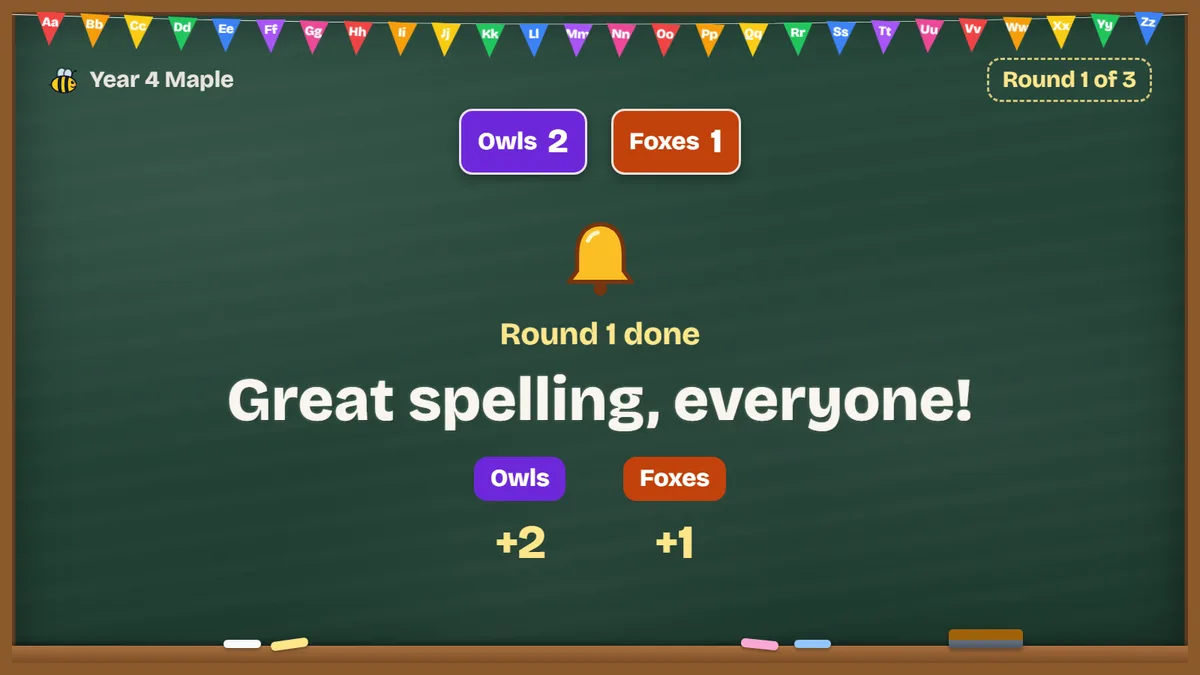
- The team scoreboard in a Team bee.
The board never shows the word before you mark the answer. It is built to be read from the back row, with large type and high contrast.
After the bee
- Results for everyone: download a spreadsheet (CSV) or a printable PDF of who spelled what.
- With Premium: a certificate for every speller (Champion, Runner-up or Speller), and a one-tap list of the missed words saved to your Word Lists to practise.
- For tutors: the missed-words list is also assigned to the class. SpellCrush for tutors
Free and paid
| No account | Free account | Premium | Tutor | |
|---|---|---|---|---|
| Spellers | Up to 10 | Up to 20 | Up to 40 | Up to 80 |
| Classic bee | Yes | Yes | Yes | Yes |
| Team bee | — | — | — | Yes |
| Library word lists | 1 | 3 | 8 | 8 |
| Your own words | — | — | Up to 100 | Up to 300 |
| Certificates | — | — | Yes | Yes |
| Missed-words practice list | — | — | Yes | Yes |
Free for everyone: the big-screen board, the phone remote, one-laptop mode, the printable word sheet, every option (timer, picture clue, write-along, second chance) and the results download. See Premium
Ready-made spelling bee word lists
Pick any of these on the setup form above. With Premium you can also bring your own spelling list.
- Kindergarten
- 1st grade
- 2nd grade
- 3rd grade
- 4th grade
- 5th grade
- 6th grade
- 7th grade
- 8th grade
- Reception
- Year 1
- Year 2
- Year 3
- Year 4
- Year 5
- Year 6
- Dolch sight words
- Fry sight words
- Commonly misspelled words
- Hardest words to spell
Need words but not a whole-class bee? Try the spelling bee word generator. Getting a child ready for a school or regional bee? See spelling bee preparation.
Frequently asked questions
Is the Class Spelling Bee free?
Yes. Anyone can run a Classic bee for up to 10 spellers with a ready-made word list, with no account. A free account raises that to 20 spellers and 3 lists. The board, phone remote, printable word sheet, every option and the results download (CSV or PDF) are free for everyone. Premium adds up to 40 spellers, your own words, certificates and a practice list of the missed words. Team bee is for tutors.
Do I need to log in on the smartboard?
No. Open spellcrush.fun/board on the big screen. It shows a 6-character code and a QR code. Type the code on your phone, or scan the QR, and the board joins your bee. The board never needs an account, so nothing is left signed in on a shared screen.
What do I need to run a class spelling bee?
A screen the class can see that has a web browser, such as a smartboard, an interactive whiteboard, a TV or a projector, with speakers. You also need a phone, tablet or laptop to run the bee from. A single laptop on a projector works too: the word stays hidden from the class, and you can use the printed word sheet.
Can I use my own spelling words?
With Premium, yes: type or paste up to 100 words, or use your saved word lists (tutors can type up to 300). Everyone can pick ready-made lists from the library: US kindergarten to 12th grade, UK Reception to Year 6, Australian Foundation to Year 6, and the Dolch and Fry sight words. The setup tells you how many rounds your words will last.
How do I keep the whole class involved?
Leave write-along on: while one child spells out loud, the rest of the class writes the word on a mini whiteboard and checks it when the board shows the answer. Tutors can also run a Team bee, where teams take turns, every child spells and nobody is knocked out.
How long does a classroom spelling bee take?
About 30 to 45 seconds a turn. The first round of a Classic bee with 26 spellers takes about 15 to 20 minutes, so for a single lesson pick a smaller group of finalists, or (for tutors) use a Team bee with a set number of rounds.
What happens if I tap the wrong button?
Tap Undo. It reverses the last Correct or Incorrect, and the board updates straight away.
Can the children see the word on the board?
No. The board shows the speller's name, the sentence with the word blanked out, and an optional picture clue. The spelling only appears after you mark the answer, so the board is safe to leave on the projector.
How is a tie or the last speller decided?
In a Classic bee, the last speller left must spell one more word, the championship word, to win. If they miss it, the spellers who went out in that round come back and the bee carries on. If everyone left in a round misses, nobody sits down. In a Team bee, a tie is settled with one sudden-death word per team.
Does it work for UK and Australian classes?
Yes. The word library has UK lists from Reception to Year 6 and Australian lists from Foundation to Year 6, alongside the US grade lists.